
 Seedance 2.0Video Generator
Create cinematic short videos with Seedance 2.0 on seadance2. Turn text prompts or images into high-quality clips in minutes—better motion, stronger prompt adherence, and creator-ready output.
 SeeDance 2.0Multi-Modal AI Video Generation Platform
Generate high-quality videos with audio from text descriptions
Tip: Be detailed and specific for better results. Describe the subject, style, lighting, mood, and composition.
"Ocean waves crashing against rocky cliffs at sunset"
Example Gallery
See what you can create with text to-video
Showcase
Explore a curated wall of AI-generated video clips created with SeeDance 2.0. Click any tile to load and play the full video—optimized for fast page performance.

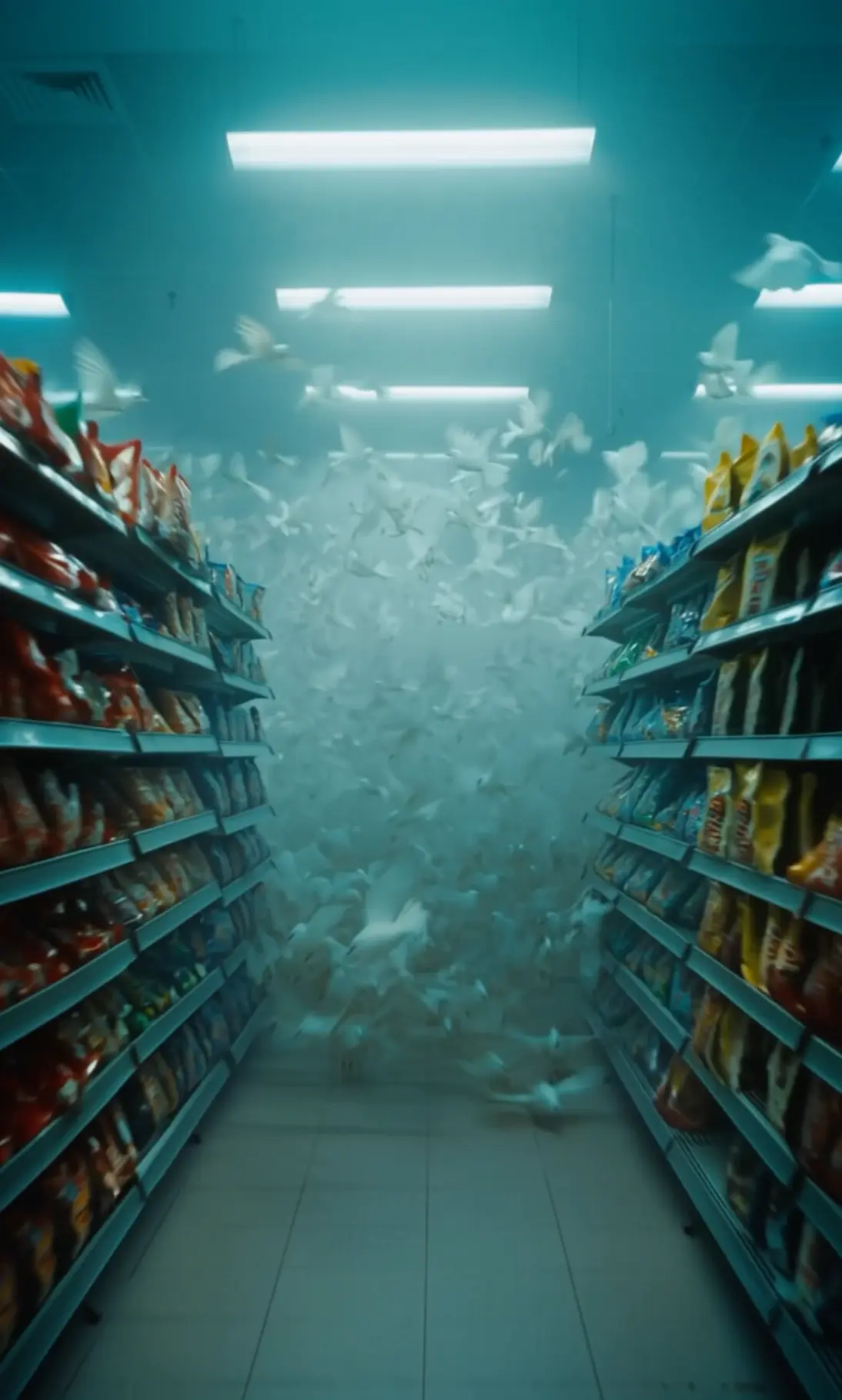
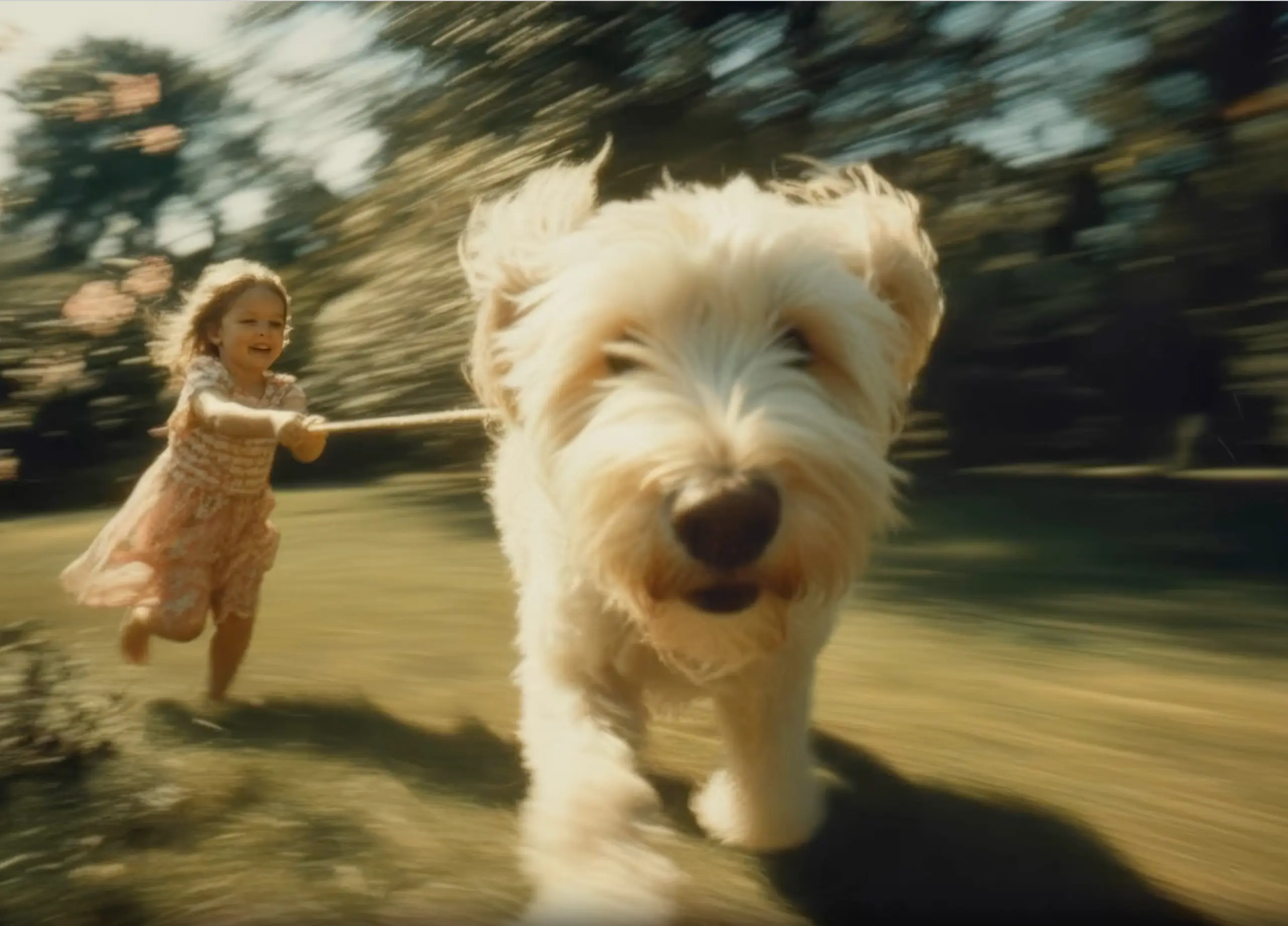

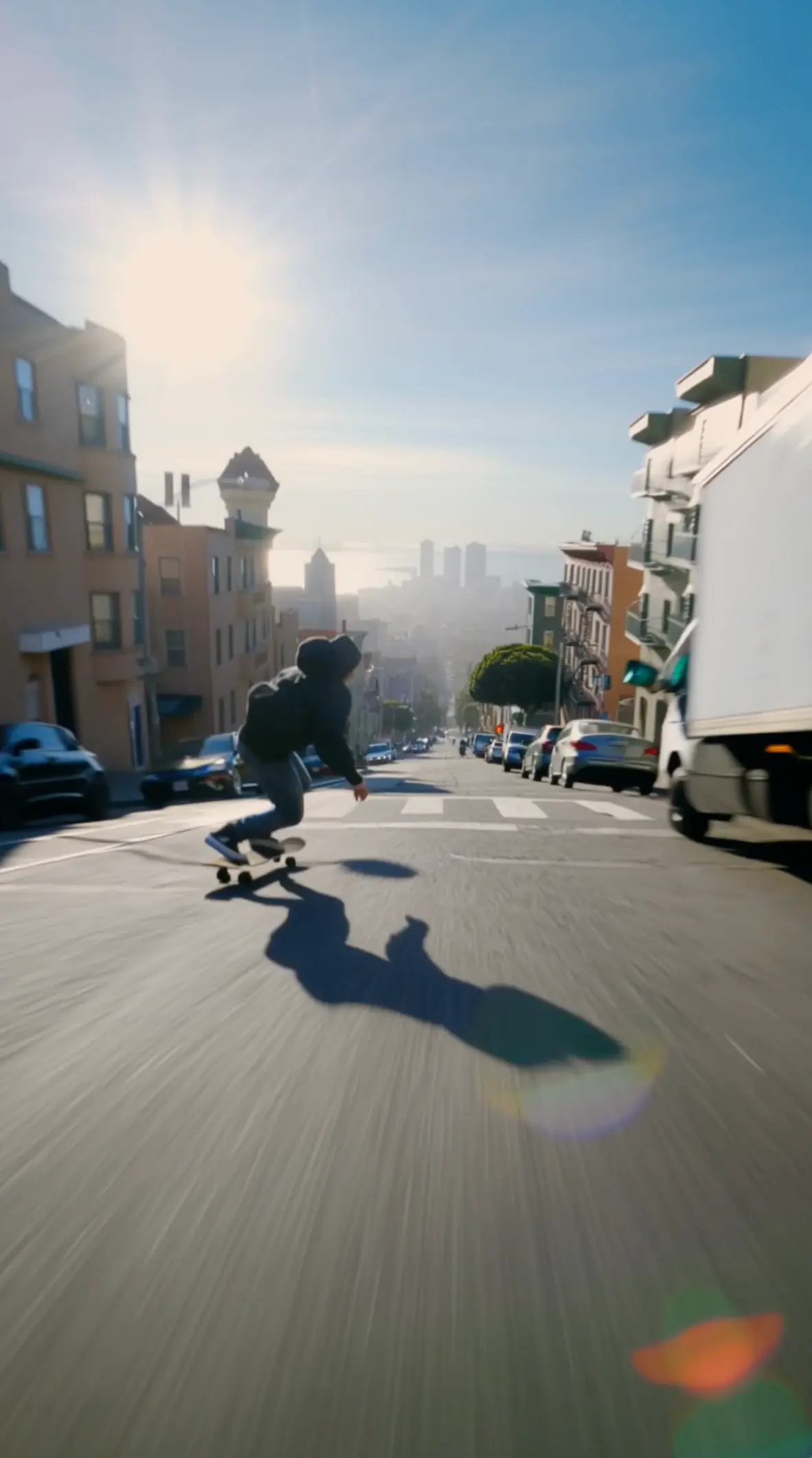
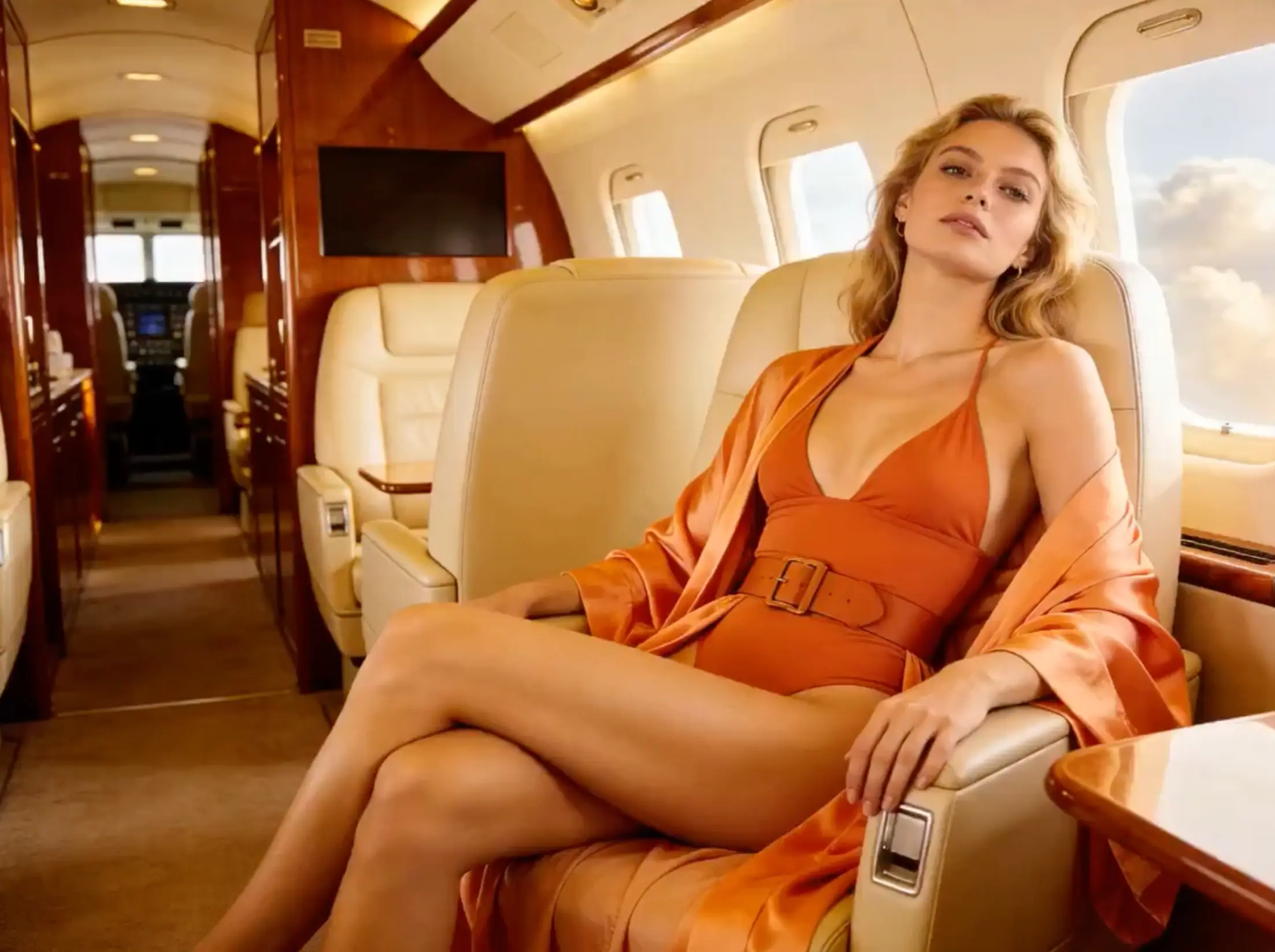
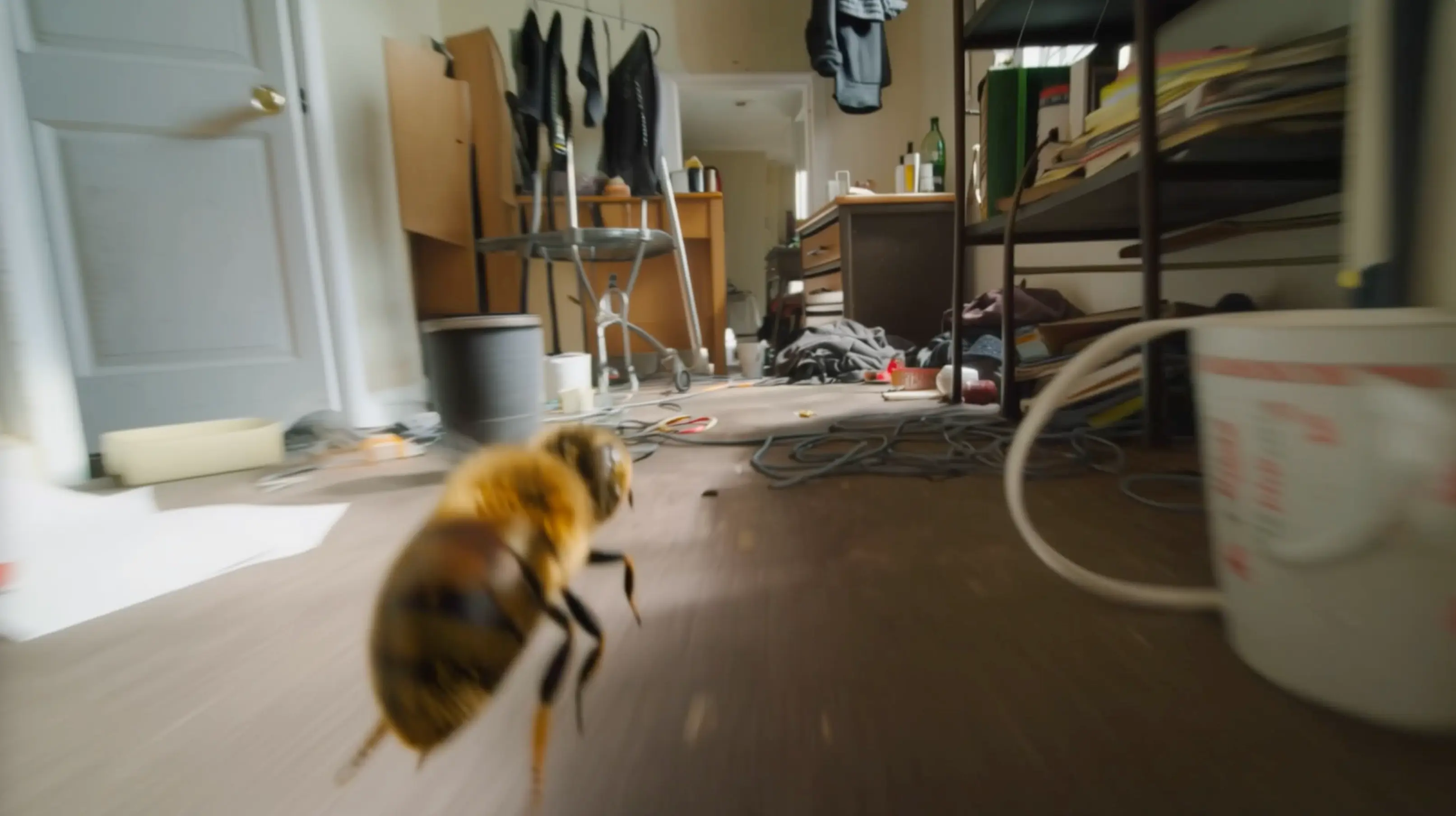
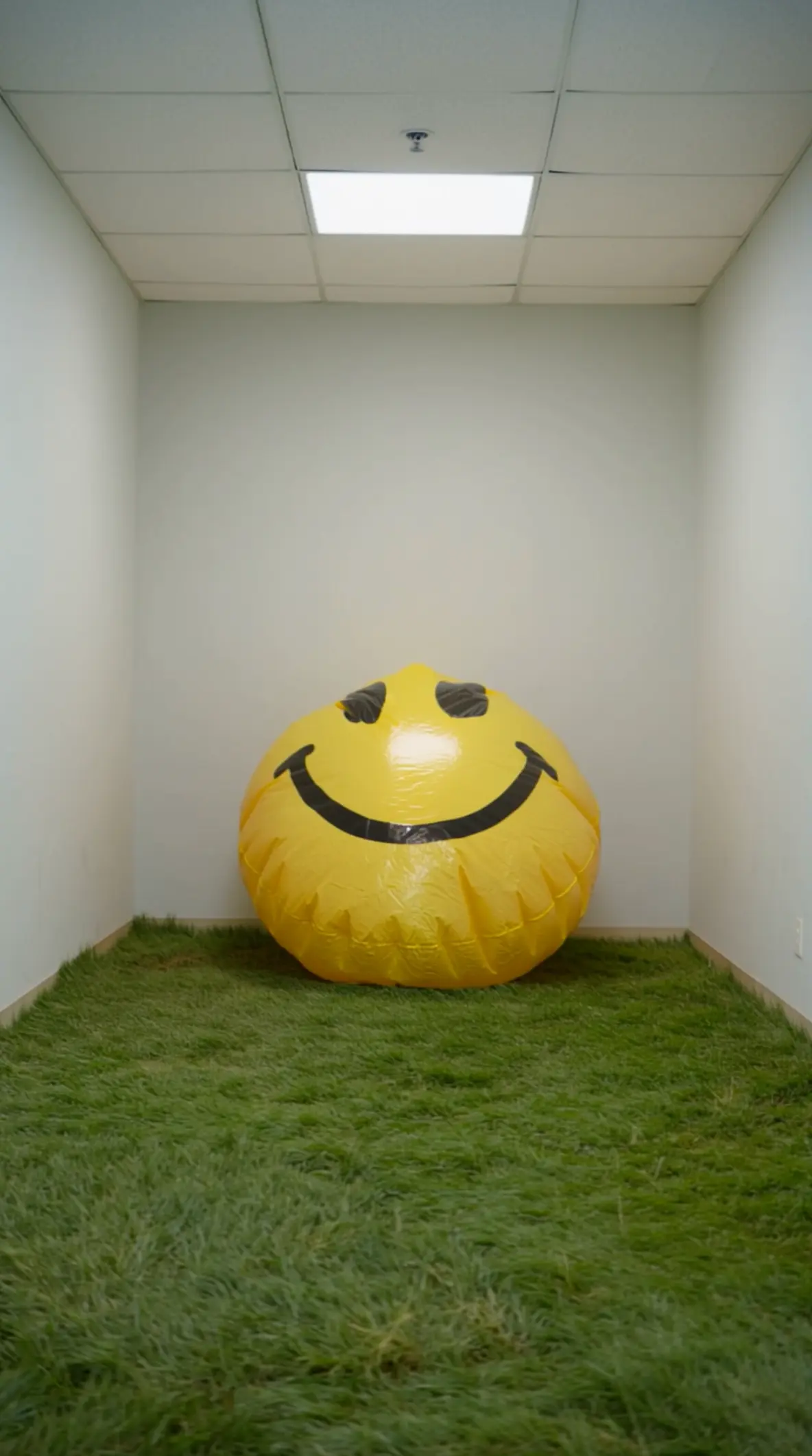
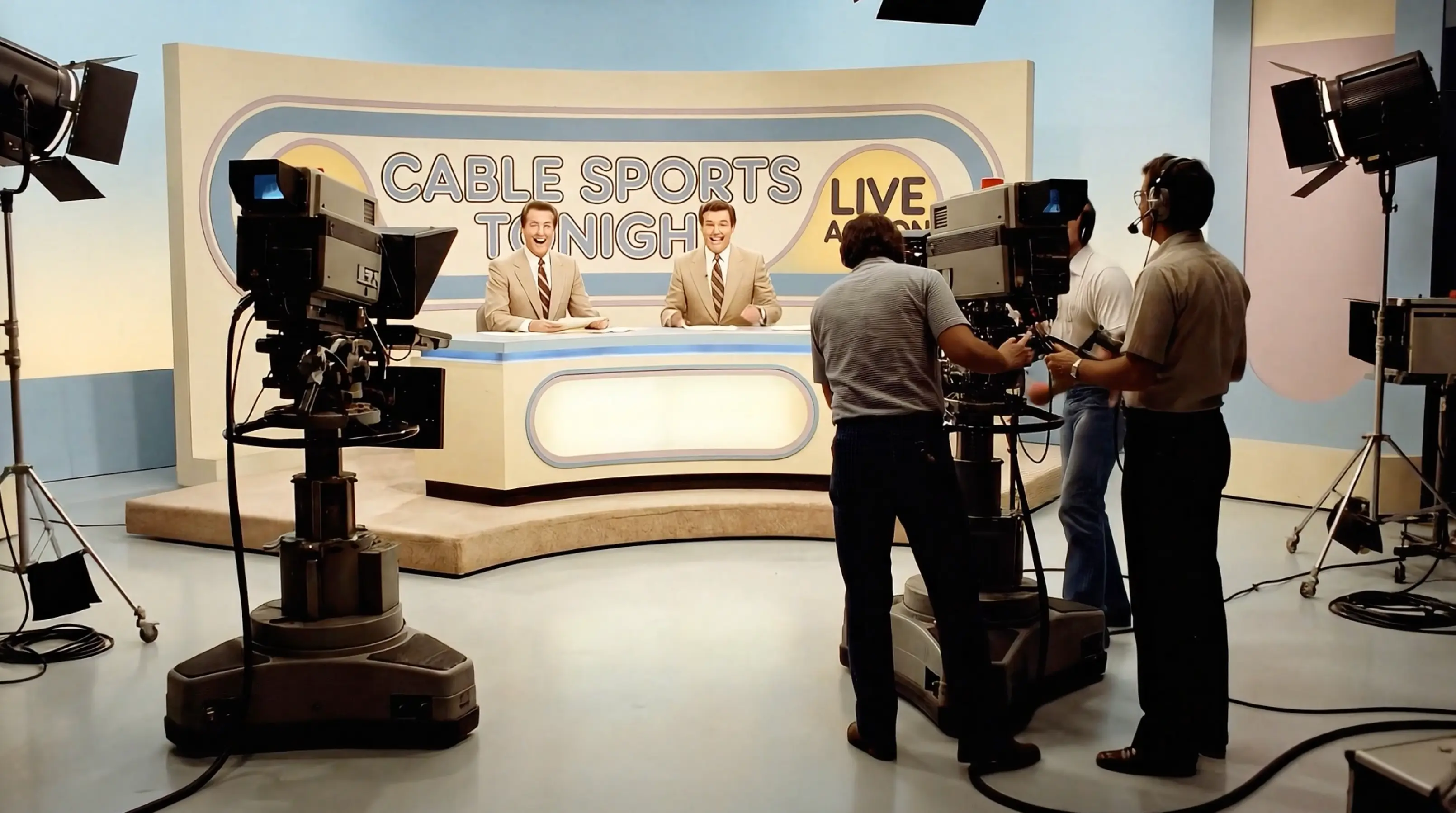
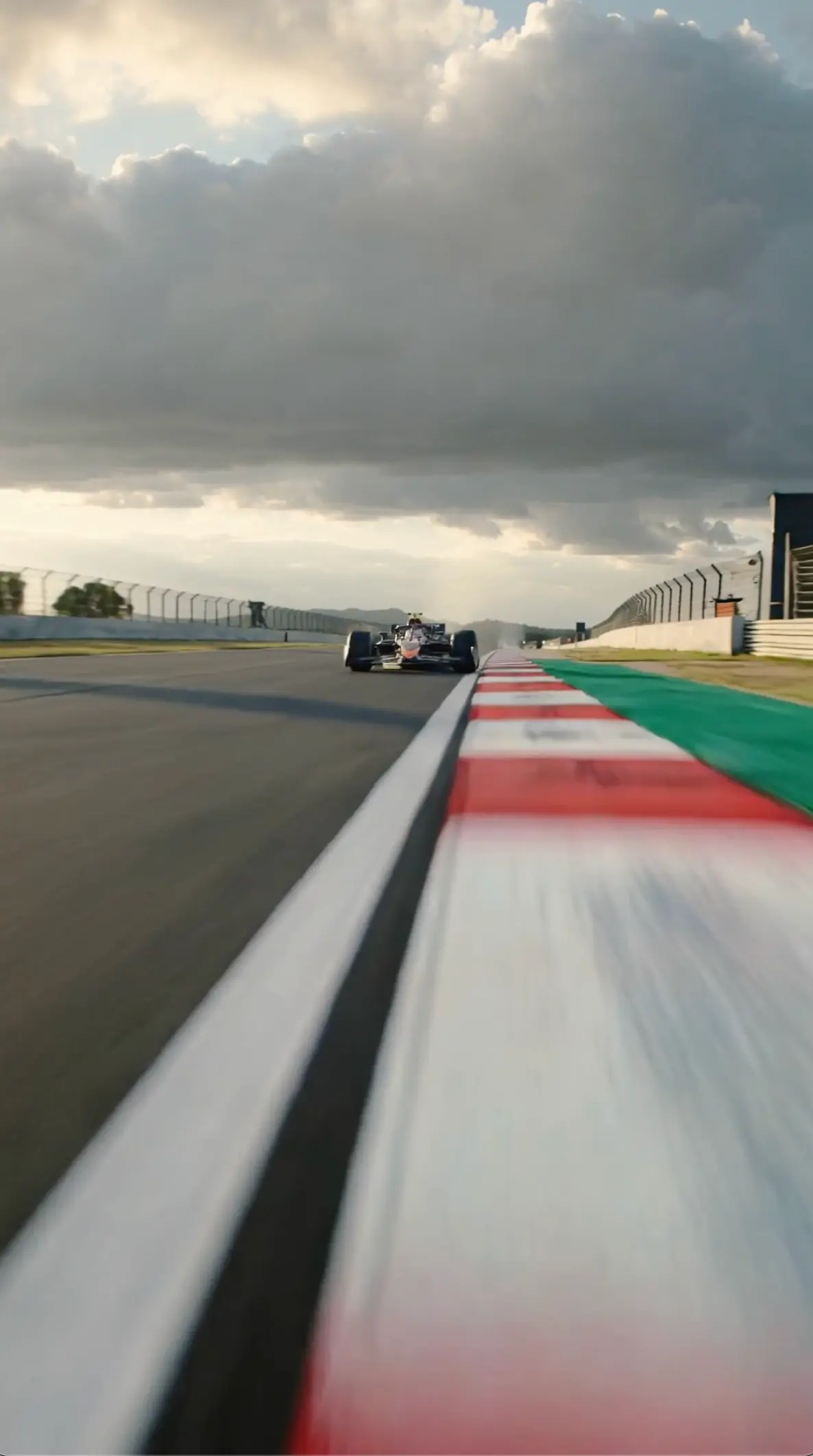
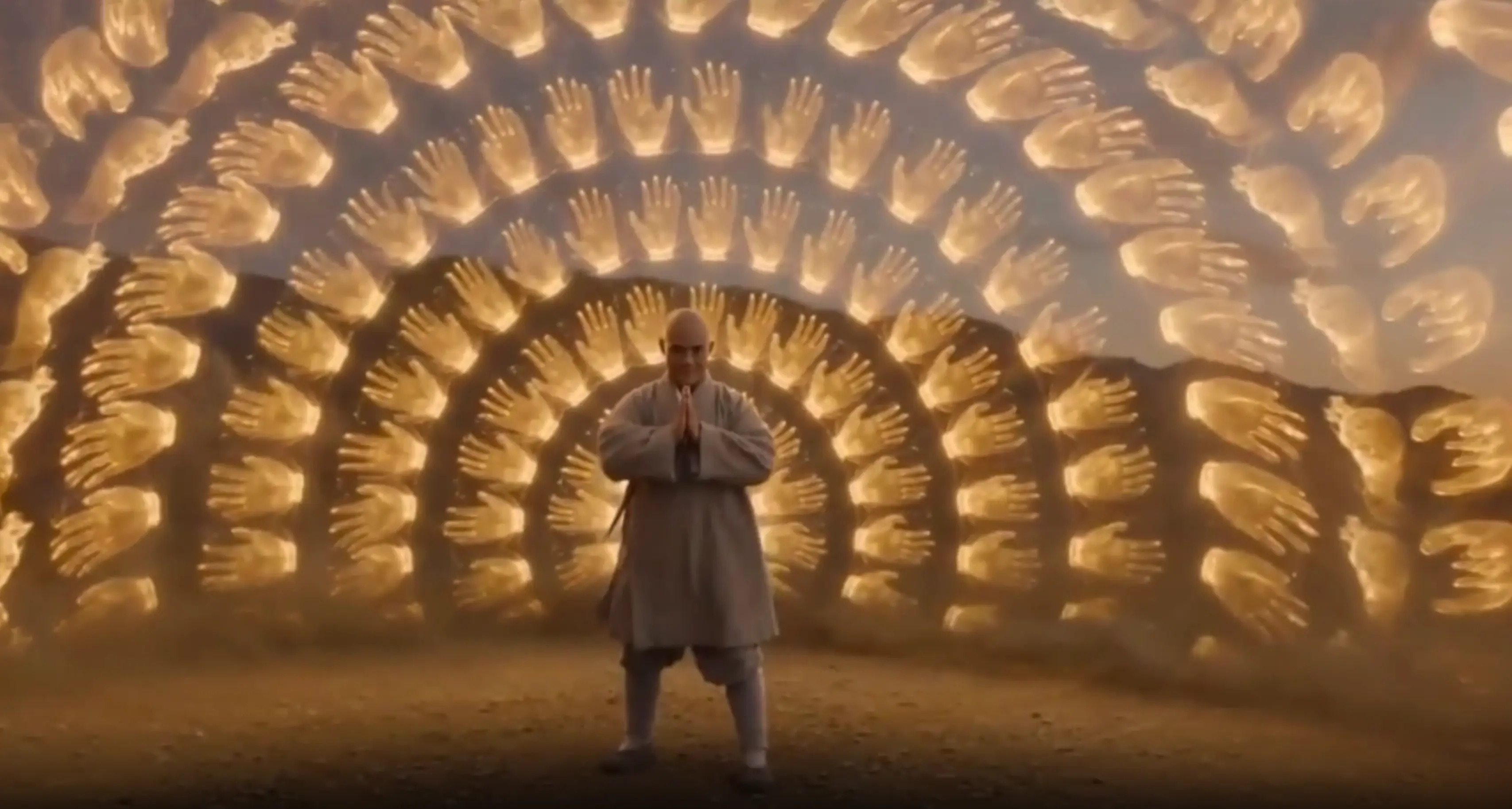
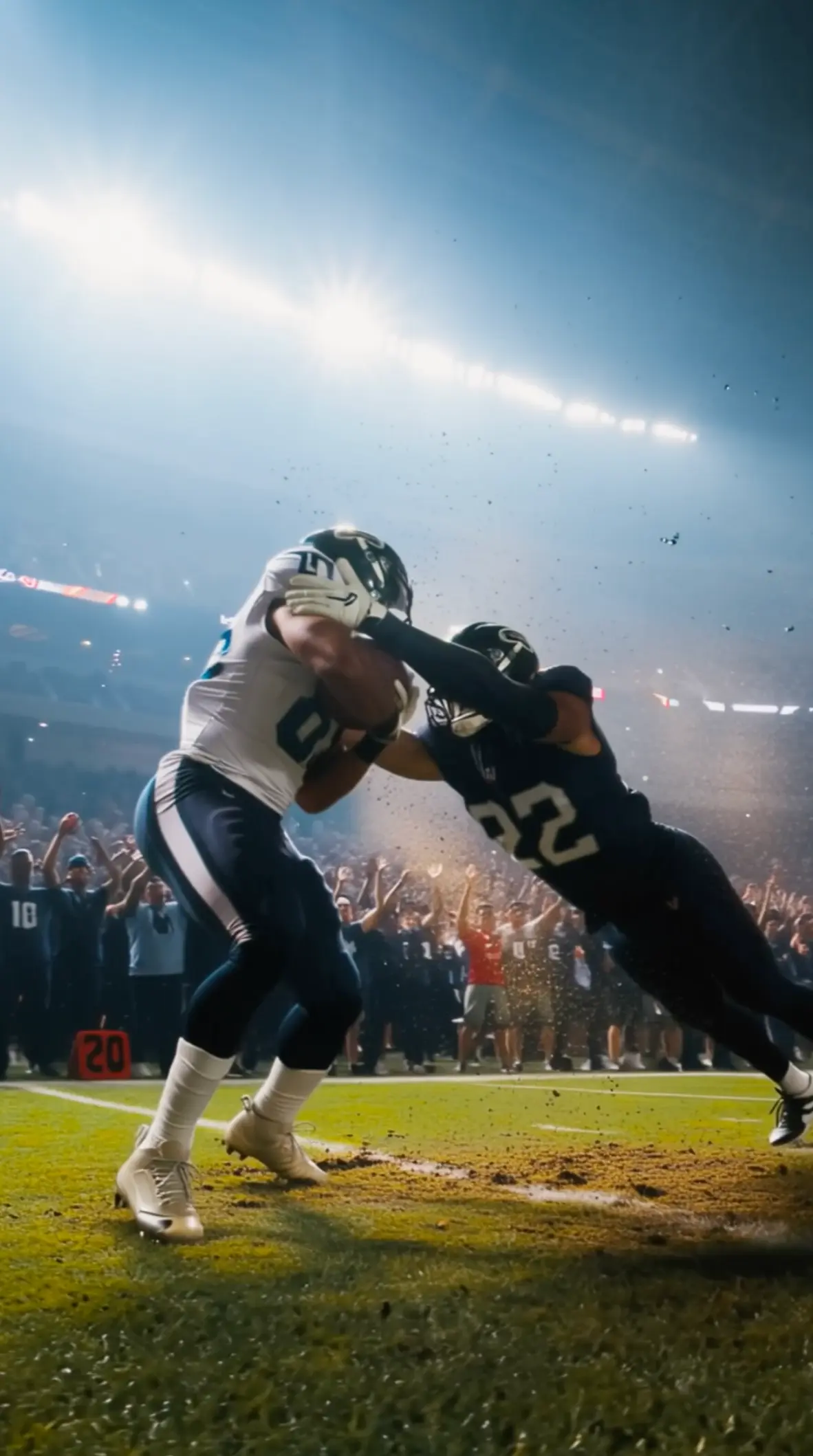
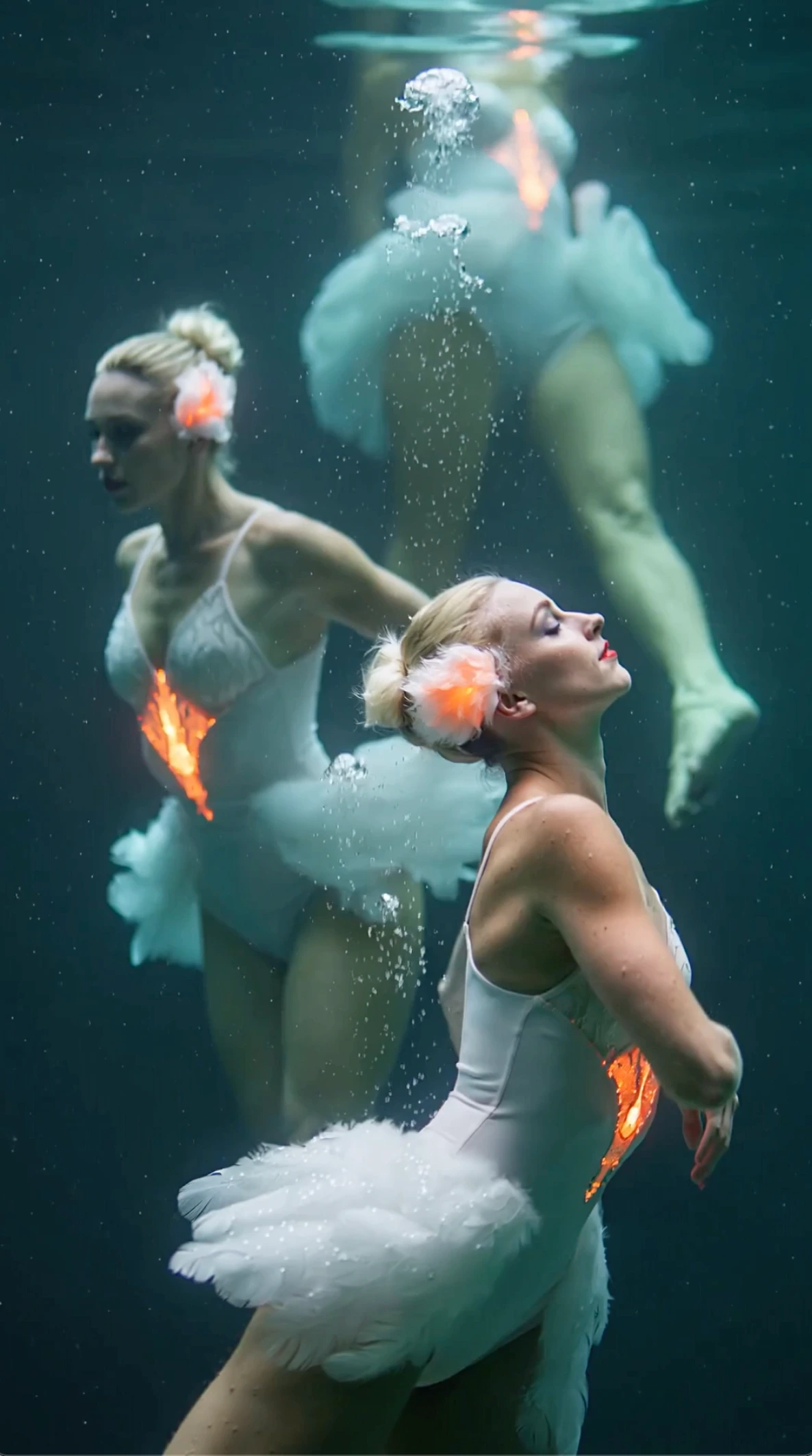
All videos and images shown are AI-generated synthetic content and do not depict real people or real events.
What is Seedance 2.0?
A next‑gen AI video model for creators
Seedance 2.0 is a next‑gen AI video model built for creators who want cinematic clips from prompts and references.
On seadance2, Seedance 2.0 supports text to video, image to video, and video to video workflows with strong prompt adherence, cleaner motion, and consistent style—so iterations stay close to your original idea.
Strong prompt adherence
Seedance 2.0 follows scene details, actions, and camera intent more reliably, helping you iterate with fewer reruns.
Enhanced motion quality
Get smoother motion and more natural transitions in your Seedance 2.0 generations—great for social shorts and ads.
Creator-ready workflow
seadance2 streamlines the entire process: generate, review, tweak, and export with Seedance 2.0 in a few steps.
Why creators choose Seedance 2.0
Quality that survives iteration
Stronger Seedance 2.0 prompt adherence for complex scenes
Smoother motion and more natural transitions
More consistent style across Seedance 2.0 iterations
Faster creator workflow from prompt to export
How it works
From idea to video in four steps
Write a Seedance 2.0 prompt
Describe the subject, action, setting, and camera. Seedance 2.0 responds best to clear verbs and visual details.
Add references (optional)
Use an image to lock the look, or a short clip to guide motion. Seedance 2.0 uses references to stay consistent.
Pick settings
Choose an aspect ratio for TikTok, Shorts, or ads. Then generate your Seedance 2.0 video on seadance2.
Iterate and export
Adjust the prompt for pacing, camera, or style. Seedance 2.0 iterations are fast—export when it looks right.
Core Seedance 2.0 capabilities
Quality that survives iteration
The Seedance 2.0 engine on seadance2 is tuned for repeatable results. Use Seedance 2.0 to create short videos that look consistent across takes, even when you change prompts or references.
Seedance 2.0 Text to Video
Generate scenes directly from a prompt. This Seedance 2.0 mode is ideal for concepting, story beats, and first drafts.
Seedance 2.0 Image to Video
Animate a still while preserving key details. Use Seedance 2.0 for product shots, character looks, and style lock.
Seedance 2.0 Video to Video
Create variations from a reference clip: new looks, pacing, and motion with Seedance 2.0 while keeping structure.
Seedance 2.0 creator‑ready output
Designed for ads, shorts, and pre‑viz. Seedance 2.0 outputs are made to download and publish quickly.
Seedance 2.0 use cases
Built for marketing, creators, and story teams
Seedance 2.0 ad variations
Create multiple hooks and edits fast. Seedance 2.0 makes it easy to test pacing, camera, and style for performance marketing.
Performance benchmarks
What improves when you iterate
These are practical workflow comparisons creators care about. Our tools on seadance2 are built to reduce reruns, speed up iteration, and keep results closer to your prompt intent.
| Metric | Seedance 2.0 | Seedance 1.5 | Improvement |
|---|---|---|---|
| Prompt adherence (complex scenes) | Seedance 2.0 | Version 1.5 | More consistent |
| Motion continuity | Seedance 2.0 | Earlier models | Smoother |
| Style consistency across takes | Seedance 2.0 | Earlier models | Higher |
| Iteration speed | Seedance 2.0 | Earlier models | Faster |
Prompt guide
Write prompts that produce better motion and cleaner shots
If your generation feels off, it’s usually the prompt. Use these guidelines on seadance2 to improve prompt adherence, camera control, and scene consistency.
Start with a clear subject and action
Example: “A runner sprints through a rainy neon street.” The model reacts best to strong verbs and concrete nouns.
Add camera language
Use “close‑up”, “wide shot”, “dolly in”, “handheld”, or “slow pan”. It can follow camera intent when it’s explicit.
Control style and lighting
Specify “cinematic lighting”, “soft daylight”, “high contrast”, or “film grain”. The engine keeps style more stable when you name it.
Keep one change per iteration
When iterating, change either motion, camera, or style—not all at once—so results stay comparable.
Troubleshooting
Fix the most common generation issues
If your video is not generating, renders feel slow, or outputs look off, try these quick checks before you rerun.
Prompt not working
Simplify the prompt, remove conflicting instructions, and restate the action in one sentence. Then add camera and style as separate short phrases.
Slow render
Try a shorter duration, reduce complexity, or generate during lower traffic. Queue time can vary based on demand on seadance2.
Not generating video
Check for restricted content or extremely long prompts. If a task fails, re-run with a simpler scene and add details step by step.
Comparisons
How creators evaluate our tools vs others
Creators often compare Seedance 2.0 vs Runway, Kling, or Luma based on workflow, motion quality, and iteration speed. On seadance2, our focus is on prompt adherence and creator-ready output.
Vs Runway
This is a strong choice when you want fast prompt iteration and consistent results for shorts and ads.
Vs Kling
When motion and cinematic feel matter, our model aims to keep shots smoother while staying close to your prompt intent.
Vs Luma
If your workflow relies on repeatable variations, our interface is designed to make iterative creation straightforward.
Frequently Asked Questions
Common questions creators ask before they start
Getting Started
Basics of using the platform
Quality & Speed
How the model behaves in practice
Features & Usage
Workflows on seadance2
Create with Seedance 2.0 on seadance2
Ready to generate your first clip? Use our advanced tools to create cinematic AI videos from text or images. Iterate fast, export, and publish.
Built for creators
A workflow designed for prompt iteration and repeatable output.
Creator‑ready results
Better motion, stronger prompt adherence, and consistent style in every generation.
Commercial usage
Paid plans include commercial rights for videos generated on seadance2.
What’s new
We continuously improve prompt adherence, motion quality, and workflow speed. Follow seadance2 for updates and prompt tips.